How Much UPS Capacity Do You Need?
The right UPS size starts with the load, not the model number printed on the box. Estimate how many watts your critical equipment uses, decide which devices actually need battery backup, then choose a UPS that supports the load with comfortable headroom and useful runtime.
Step 1: decide what must stay on
Do not automatically put every device on battery-backed outlets. A desktop PC, NAS, router and switch may need backup while a printer, speakers or secondary monitor may only need surge protection. Reducing the protected load can greatly increase runtime.
Step 2: estimate normal watt draw
Use a wall power meter where possible, or add realistic power estimates for the equipment. Avoid sizing from power-supply nameplate ratings alone because a 750W PC power supply does not mean the computer constantly draws 750W.
Step 3: add headroom
A UPS should not spend its life operating at the maximum watt rating. Headroom accommodates short load spikes, future equipment and more useful runtime. For many home and small-office setups, keeping the expected load well below the maximum rating is preferable to choosing the smallest unit that technically works.
Step 4: check VA too
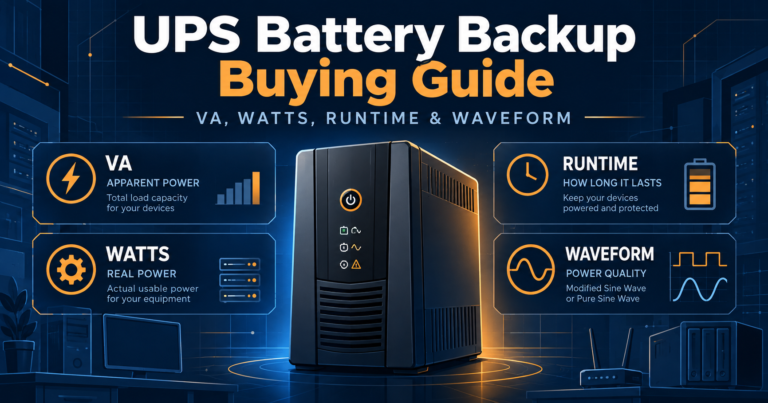
The watt limit is not the only ceiling. A UPS also has a VA rating. Read VA vs Watts in a UPS if you are unsure how the two ratings interact.
Step 5: decide how much runtime you need
A workstation may only need enough time to save work and shut down. A router and modem may need to stay online for an hour. A NAS might need enough time for an orderly shutdown while network gear stays available slightly longer.
Runtime falls as load rises. Manufacturer half-load and full-load figures are useful reference points, but actual runtime varies with battery age, temperature and exact load.
Example sizing scenarios
| Protected equipment | Example normal load | What to investigate |
|---|---|---|
| Router + modem + small switch | 30 to 80W | Compact standby or line-interactive UPS with long low-load runtime |
| Home-office PC + monitor + networking | 150 to 350W | 700VA to 1200VA class depending on runtime and headroom |
| Gaming PC + monitor | 350 to 700W | Higher-watt 1000VA to 1500VA class, often pure sine wave |
| NAS + router + switch | 80 to 250W | Line-interactive pure-sine UPS with USB/network shutdown support |
| Workstation + NAS + network gear | 500W and up | Higher-capacity pure-sine or business-class UPS |
These are starting ranges, not universal prescriptions. Exact loads vary too much for a single VA number to fit every system.
Do not size by VA alone
Two 1500VA models may have very different watt limits. A lower-cost unit may support 900W while another supports 1000W or more. The larger usable watt rating can matter more than the shared VA label.
Research exact models: Browse the UPSIndex database or compare two UPS models side by side.
Bottom line
Measure or estimate the critical load, leave headroom, decide the runtime you need and then compare exact model specifications. That method is more reliable than buying the largest VA number in your budget.