
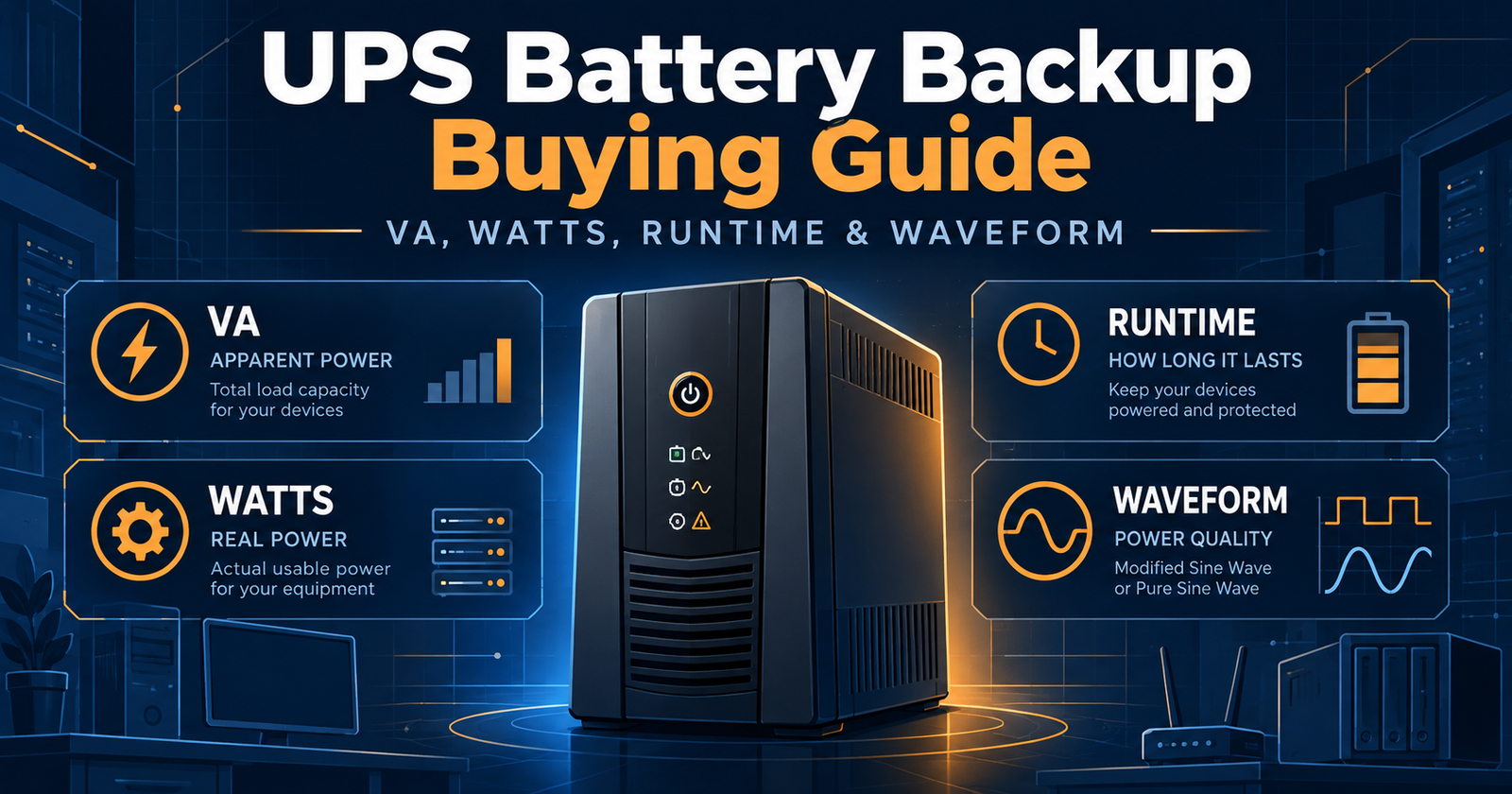
UPS Battery Backup Buying Guide: VA, Watts, Runtime and Waveform Explained
Choosing a UPS battery backup is mainly a sizing and compatibility problem. Two units can both say 1500VA yet support different maximum watt loads, use different battery waveforms, offer different runtimes and target very different equipment. The safest way to shop is to start with the load you need to protect, then work outward through capacity, runtime, topology, waveform and management features.
ENERGY STAR notes that UPS selection depends on the type and amount of equipment being protected, required features and the amount of uptime needed during an outage. That is why a single specification such as VA is never enough. ENERGY STAR UPS guidance is a useful neutral reference.
Start with the watts your equipment actually uses
Watts are the most practical starting point because they describe the real power your connected equipment consumes. Add the expected draw of the computer, monitor, NAS, router, switch or other equipment you plan to keep on battery power. Do not size a UPS so tightly that the normal load is already close to the unit’s maximum watt rating.
If VA and watts are confusing, read VA vs Watts in a UPS. The short version is that the UPS must satisfy both ratings.
VA and watts are related but not interchangeable
VA is apparent power. Watts are active power. The relationship between the two is reflected in power factor. A 1500VA UPS might be rated for 900W, 1000W or another output depending on its design. If your equipment needs 950W, a 1500VA/900W UPS is undersized even though the VA number looks large.
Runtime depends on load
Runtime is not one fixed number. A UPS that runs for many minutes at half load may run only a few minutes near full load. Battery age, temperature, state of charge and the exact connected load also affect real runtime. Treat manufacturer runtime curves as load-specific estimates, not universal promises.
For desktop systems, enough time to save work and shut down may be sufficient. For routers, NAS systems and network equipment, a lower load can allow much longer backup time. If your goal is to ride through extended outages, capacity and battery expansion become more important.
Choose the right topology
| Topology | Typical role | What it means |
|---|---|---|
| Standby | Basic home electronics | Utility power normally feeds the load directly; battery/inverter takes over during an outage. |
| Line Interactive | Home office, gaming, NAS, small business | Adds voltage regulation so many minor voltage problems can be corrected without using the battery. |
| Online / Double Conversion | Sensitive or critical equipment | Continuously converts incoming AC to DC and back to AC, isolating the load more completely from input power conditions. |
For a deeper explanation, see Standby vs Line-Interactive vs Online UPS.
Waveform matters for some equipment
Many standby and lower-cost line-interactive UPS systems use a simulated sine wave while higher-end units often provide pure sine-wave output on battery. Modern power supplies with active power-factor correction can be more sensitive to waveform quality, especially at higher loads.
If you are protecting a gaming PC, workstation, NAS or server, review Pure Sine Wave vs Simulated Sine Wave UPS before assuming either type is interchangeable.
Check the outlet layout, not just the outlet count
A UPS may have ten outlets but only five may provide battery backup. The rest may be surge-only. Check which devices truly need to remain powered during an outage and make sure those devices can fit the battery-backed outlets without blocking adjacent receptacles.
Battery serviceability affects long-term cost
Lead-acid UPS batteries are consumable parts. A unit with a user-replaceable battery can often remain useful for many years if the electronics are still healthy. Some compact consumer units use batteries that are not intended for normal user replacement. That can change the economics of ownership.
Management software matters for computers and NAS
USB communication, network management cards and shutdown software can be more important than another few minutes of runtime. A UPS connected to a computer or NAS can signal a controlled shutdown before the battery is exhausted. For servers and NAS systems, that can be the difference between orderly shutdown and an abrupt power loss.
A practical buying sequence
- Add the realistic watt load of the equipment you need to protect.
- Choose a UPS with comfortable watt headroom rather than sizing at the limit.
- Decide how much runtime you actually need at that load.
- Choose standby, line-interactive or online topology based on equipment sensitivity and budget.
- Check whether your equipment benefits from pure sine-wave battery output.
- Verify the number of battery-backed outlets and input plug type.
- Check battery replacement options, USB/SNMP management and warranty.
- Compare exact models rather than assuming products with the same VA rating are equivalent.
Research exact models: Browse the UPSIndex database or compare two UPS models side by side.
Bottom line
The best UPS is not the one with the largest VA number. It is the model whose watt capacity, runtime, waveform, topology, outlets and management features match the equipment you are protecting. Use exact-model specifications to make that decision, then leave enough headroom for real-world load changes.