UPS USB Charging vs USB Data: What NAS Shutdown Requires
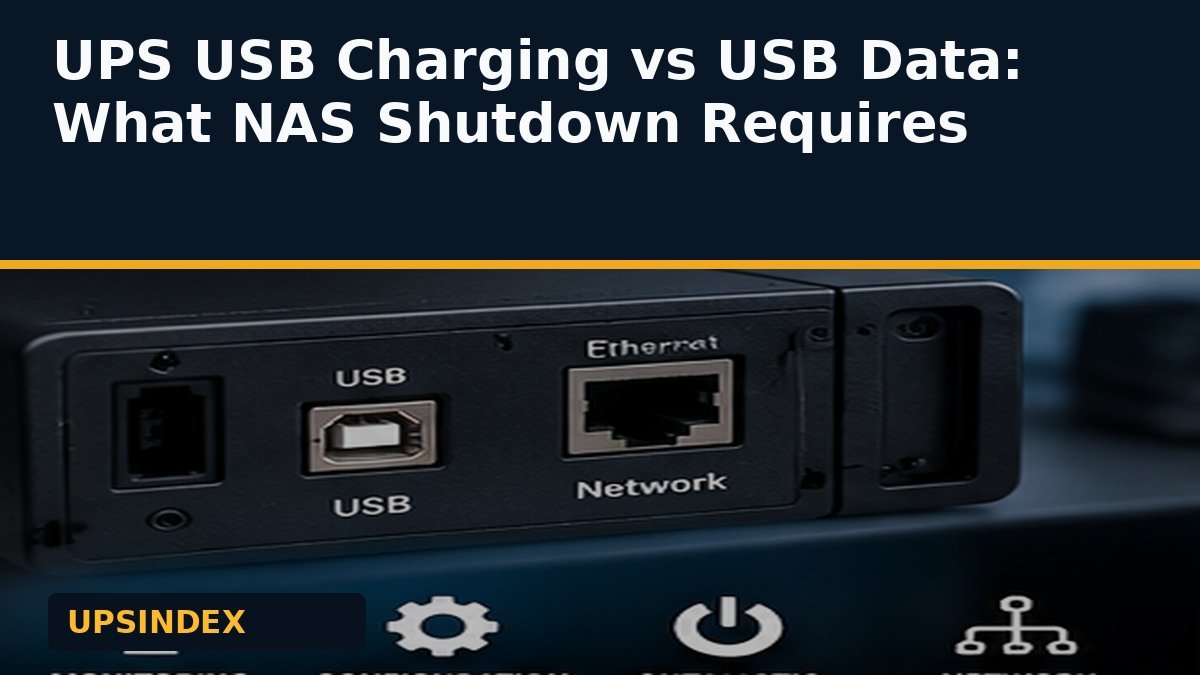
A UPS USB charging port is not the same as a UPS USB data port. This distinction matters when you want a computer or NAS to detect an outage and shut down before the battery runs flat. A USB-A or USB-C socket on the front of a UPS may supply power to a phone while providing no monitoring information at all.
| Port or feature | What it does | Does it prove automatic shutdown support? |
|---|---|---|
| USB-A/USB-C charging output | Supplies 5V charging power to devices | No |
| USB communication/data interface | Reports UPS status to a compatible host | Potentially, with supported software |
| SmartConnect/cloud Ethernet | Supports vendor monitoring functions | Not by itself |
| Network management card | Can expose supported UPS management protocols | Only when card, software and setup match |
Why the word USB causes expensive mistakes
A buyer sees two USB charging sockets in a listing and assumes a NAS can connect to them for shutdown. Charging ports are output power connections; they do not necessarily enumerate as a USB Human Interface Device or provide battery-state messages. The UPS may keep the NAS running briefly, but the NAS has no warning that the battery is nearly empty.
Manufacturer product pages often separate “USB charge ports” from “Communication: USB.” CyberPower’s CP1500PFCLCD specification lists both, illustrating why the labels should be read independently. An entry-level unit may have charging ports and a communication port, only one type, or neither.
What a real UPS data connection must provide
A compatible UPS and host should be able to report utility-power status, battery state and an event or threshold that can trigger orderly shutdown. A cable alone is not enough: the operating system, UPS protocol, drivers and management software must all work together.
For a NAS, look up the exact UPS model in the NAS manufacturer’s compatibility information. If it is absent, do not assume that the words “USB communication” guarantee support. The NAS UPS buying guide covers waveform and capacity in addition to the data path.
USB monitoring, cloud monitoring and SNMP are different paths
With direct USB monitoring, one computer or NAS is physically connected to the UPS and receives local status. With a supported network management card, the UPS can report status over the network to compatible hosts. A cloud portal may show alerts without necessarily providing the local shutdown action that your system requires.
For several servers sharing one UPS, plan which host is the primary monitor and how other machines receive shutdown events. The router and switch carrying those messages must remain powered long enough for the sequence to finish. Do not mistake an Ethernet surge-protection jack for an SNMP management interface.
Three exact-model examples
The APC BR1000MS is a sine-wave consumer UPS often considered for NAS installations. Verify its documented communication interface separately from the front USB charging sockets.
The APC SMC1000C is a business UPS with USB and serial communication and SmartConnect monitoring. The CyberPower CP1500PFCRM2U lists USB communication and an optional remote management card. None of these model labels alone guarantees compatibility with every NAS firmware or hypervisor.
A short compatibility checklist
Identify the exact UPS model and revision. Find the rear-panel data port and the correct cable. Confirm your host operating system supports that model and communication method. Check whether the UPS reports “on battery” and “low battery.” Configure the shutdown threshold and verify that the system can complete the shutdown before battery exhaustion.
Keep a written record of the settings, software versions and who receives alerts. If remote management is required, confirm whether the needed card or subscription is included in the price. A product that can charge a phone is not necessarily a product that can protect a filesystem during an outage.
Bottom line
For automatic shutdown, look for a documented USB data or network-management interface, not simply a USB charging socket. The UPS comparison tool helps narrow exact models, but host compatibility and a real shutdown test are the final checks.
Questions buyers ask
Can I connect my NAS to a UPS USB-A charging port?
A charging-only port cannot provide the battery-status data needed for automatic shutdown.
Does SmartConnect guarantee NAS shutdown?
No. Monitoring and host shutdown are separate capabilities that require compatible configuration.
What if a UPS has USB communication but my NAS does not recognize it?
Check vendor compatibility, firmware and cable requirements. Do not rely on unattended protection until a controlled test succeeds.
Manufacturer and technical references
CP1500; SMC1000; Synology UPS settings; CyberPower USB port example. Specifications and availability can change by exact revision and region.