APC BR1000MS vs BR1350MS: Is 810W Worth the Upgrade?
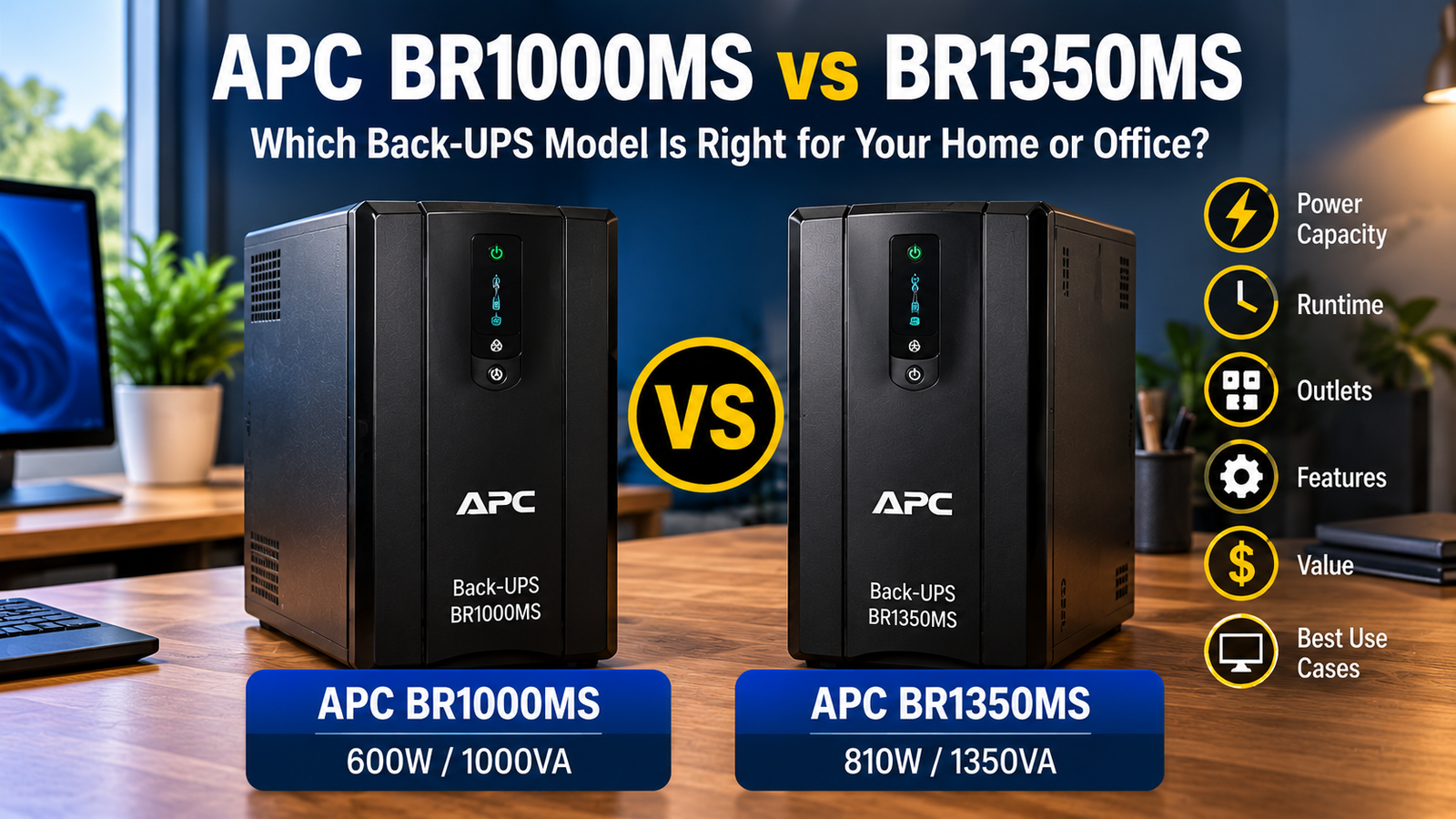
APC BR1000MS vs BR1350MS is a useful comparison when a small NAS, desktop and network stack is outgrowing a 600W UPS. Both models are line-interactive, sine-wave Back-UPS Pro towers with ten AC outlets. The meaningful difference is rated output: 1000VA/600W for BR1000MS versus 1350VA/810W for BR1350MS. The larger number does not automatically mean longer runtime at your load.
Review the exact BR1000MS specifications and BR1350MS specifications before comparing retailer offers.
| Specification | BR1000MS | BR1350MS |
|---|---|---|
| Maximum rating | 1000VA / 600W | 1350VA / 810W |
| Battery output | Sine wave | Sine wave |
| Topology | Line interactive with AVR | Line interactive with AVR |
| AC outlets | 10 total | 10 total |
| Battery-backed outlets | 6 | 6 |
| Battery chemistry | Lead acid | Lead acid |
The extra 210W matters more than the extra 350VA
Consider a NAS that normally draws 65W, a router and switch that together draw 35W, and a workstation that reaches 350W under load. The combined 450W is below either watt ceiling, but it uses 75% of the smaller unit’s rating and about 56% of the larger one. That difference leaves more capacity for transient loads and can change the practical runtime calculation.
This is a sizing illustration, not a runtime promise. Actual runtime depends on battery energy, inverter efficiency, battery age and load profile. A 1350VA label cannot be converted directly into minutes of backup. Use manufacturer runtime curves or a measured test at your real load.
Six battery-backed outlets on both
Each unit has ten outlets, with six intended to provide battery power and four surge protection only. Upgrading to BR1350MS does not increase the number of protected sockets. Count the NAS, switch, router, modem or ONT, computer and any essential monitor before buying. Large adapters may also block adjacent sockets.
If you have seven devices that must remain powered, neither model solves the outlet-count problem by itself. Do not daisy-chain power strips or overload the UPS to work around a poor layout; follow the manufacturer’s approved connection instructions.
NAS shutdown is a separate buying test
Both are credible sine-wave candidates for small storage installations, but the critical question is whether your particular NAS operating system recognizes the UPS and can enter its safe shutdown mode. A charging USB-A or USB-C socket is not the same thing as a USB data interface. Confirm the communication path and test the configured threshold.
If you are still choosing a NAS, the NAS UPS selection guide explains why orderly shutdown and network continuity deserve as much attention as watts. For a comparable 1000VA alternative, the CyberPower CP1000PFCLCD versus BR1000MS comparison focuses on software and outlet tradeoffs.
Battery cost and long-term ownership
Both models are advertised with user-replaceable batteries. Confirm the cartridge for the exact model and hardware revision, and include its price and recycling plan in the total cost. An older discounted unit with a tired battery can be a worse purchase than a newer unit with less nominal capacity.
Choose the 600W model when measured load and required shutdown time fit comfortably. Choose 810W when you genuinely need the additional headroom, not because 1350VA sounds more future-proof.
Questions buyers ask
Is BR1350MS necessarily longer-lasting during an outage?
Not necessarily. Compare manufacturer runtime at the same measured watt load; VA and watt ratings are maximum output limits.
Do both have sine-wave output?
Yes, the manufacturer identifies sine-wave output for both exact models.
Which is better for a NAS plus desktop?
BR1350MS provides 210W more output headroom, but compatibility, actual runtime and the number of battery-backed outlets still decide the fit.
Manufacturer and technical references
BR1000; BR1350. Specifications and availability can change by exact revision and region.